

navigation bar


Showing posts with label planning. Show all posts

Monday, January 18, 2016

bullet journal

I just bought a few new moleskin journals and am trying out bullet journalling for the first time. I'm excited to see how it influences my other journals. Can a person have too many? Here's my current rotation of journals:
  • meal planning/recipe journal
  • school meetings journal
  • church meetings journal
  • journal just my notes and thoughts on "The Fringe Hours" book
  • bible study journal
  • sermon/scripture doodling journal
  • bullet journal

It seems like a lot when I list it out in that way but I love that each one serves a specific purpose. It's quick and easy to grab my bible study journal and know that everything inside is what I may need.

Enter the bullet journal. This is not new, but I finally decided to dive in a try. I highly recommend watching the video a few times to get a feel for the foundational purpose/structure. Then you can adapt as necessary. Seth and I each got a journal and sat down at the bookstore to get set up. I'm interested to see if this becomes complicated for me since there is a lot of crossover between work and home tasks. I don't really have a good bag/purse system currently so it is rare for me to consistently carry anything other than phone, wallet and chapstick. For now the bullet journal lives on my desk so I can check it in the morning and evening. On a rare occasion where I'll be out and about after work, I'm planning to bring it with me so I can work in it between appointments.


Have you tried bullet journaling? Do you have a different method you prefer? I am eager to see my stacks of sticky notes condensed into one place so i'll keep you posted on how it goes!


Friday, April 10, 2015

fitness friday


This month one of my goals is to log more miles.

To get started with that goal I got a brand new pair of running shoes. Nothing like a fun pop of color to inspire me to hit the pavement!

At the beginning of the year I decided to revisit a tracking method I used a few years ago. Inspired by a goal tracker I saw online, I created this calendar for the year. I used a font that has numbers inside of circles with the intention of coloring in the circles for the days I work out. One reason why I love this method is because it gets back to the main reasons for working out: healthy living and feeling good.  Sure, I love going 7 miles or beating my PR, but I also love canoeing, snowboarding, hiking and yoga. There was a stretch of time where I was so focused on my milage as a runner that I lost sight of the enjoyment.  I love this tracking system because it helps me see patterns - Tuesday and Thursdays are long - and focus on variety (yoga, weights, running) and enjoyment. Did I miss an entire week? Maybe I traded my running shoes for a yoga mat for the winter.  Do I have a streak going? Is there a day a way to get more movement into my week?

For my milage goal this tool isn't quite as useful. I often use my RunKeeper app but lately have been ditching the phone and using the timer on my UpMove band. Typically I run in the same places and now my distance, but this doesn't keep specific track of miles nor is it always accurate. So I began the hunt for something simple but fancier than a post-it. Why? The visual and creative side of me likes to be able to my goals, the growth and progress. I read on this blog that she uses a $1 daily planner to write her milage. It reminded me of watching my dad log his miles in a runners world planner. Now he uses an excel document which is great because it keeps his yearly tally up to date.

So I went to this site, where I get a monthly desktop image for my computer. She also has phone versions and printable versions of her monthly calendars. I printed off the april calendar page and away I go!


I'm a little behind if I'm hoping to hit 50 miles but I'm not yet worried. A 5k on the calendar and a possible upcoming 8k and I should be good to go!

How do you track your goals? Do you have a favorite app or system?

Wednesday, April 8, 2015

documenting 2015

Over the last few years i've explored different ways of documenting the events of the year.

I did a scrapbook inspired by the Project Life craze for 2012. Then
for 2013 I actually used Project Life cards and dividers and even followed through!


Last year I didn't really do anything other than post a lot of pictures to Instagram. I entertained the idea of printing all my Instagram photos and making a book but never quite followed through.  I did keep up my ralvery.com page pretty well, posting pictures of the various projects.

This year I wanted to see if I could follow through with the Instagram idea so I've already begun compiling photos. To make the task manageable and give it a theme, I decided to use my scripture sunday photos/verses as the main subject of the book.

I've had success with a variety of online book printing companies but was eager to try artifact uprising. I heard an interview with the founders and really like the idea and story behind their company.

screenshot from artifactuprising.com


Every month I upload the scripture sunday photos from the previous month. I decided to do a square book but not all of my photos are squares so I played around with the layout tools and discovered an easy way to insert these photos onto the page layout without cutting any part off.

I love the simplicity of the layouts and options and there is even a way to connect your instagram feed to the site which makes uploading super simple. In fact, that 2014 book could be a quick project on a rainy afternoon and a great way to test out the service! I hope to write an update on this project in a few months.

Sunday, February 1, 2015

One Little Word - be

Today I made a to do list to get the most accomplished in the last 36 hours of Christmas Break. After filling an entire page of things I decided to do something new.


At the bottom of the page I wrote "goals" and then I tapped into my one little word and listed the following:

Be productive
Be focused
Be patient
Be trusting
Be willing to ask for support

Somehow the list is now exciting instead of daunting and I'm ready to make things happen! What a refreshing new perspective.

Saturday, August 9, 2014

menu planning

As part of my reality check that the school year is just around the corner, I've been looking for go-to recipes. Meal planning helps me immensely, especially during extra busy seasons. I'm always searching for new inspiration. Here are a few recipes that look good as well as a free download!


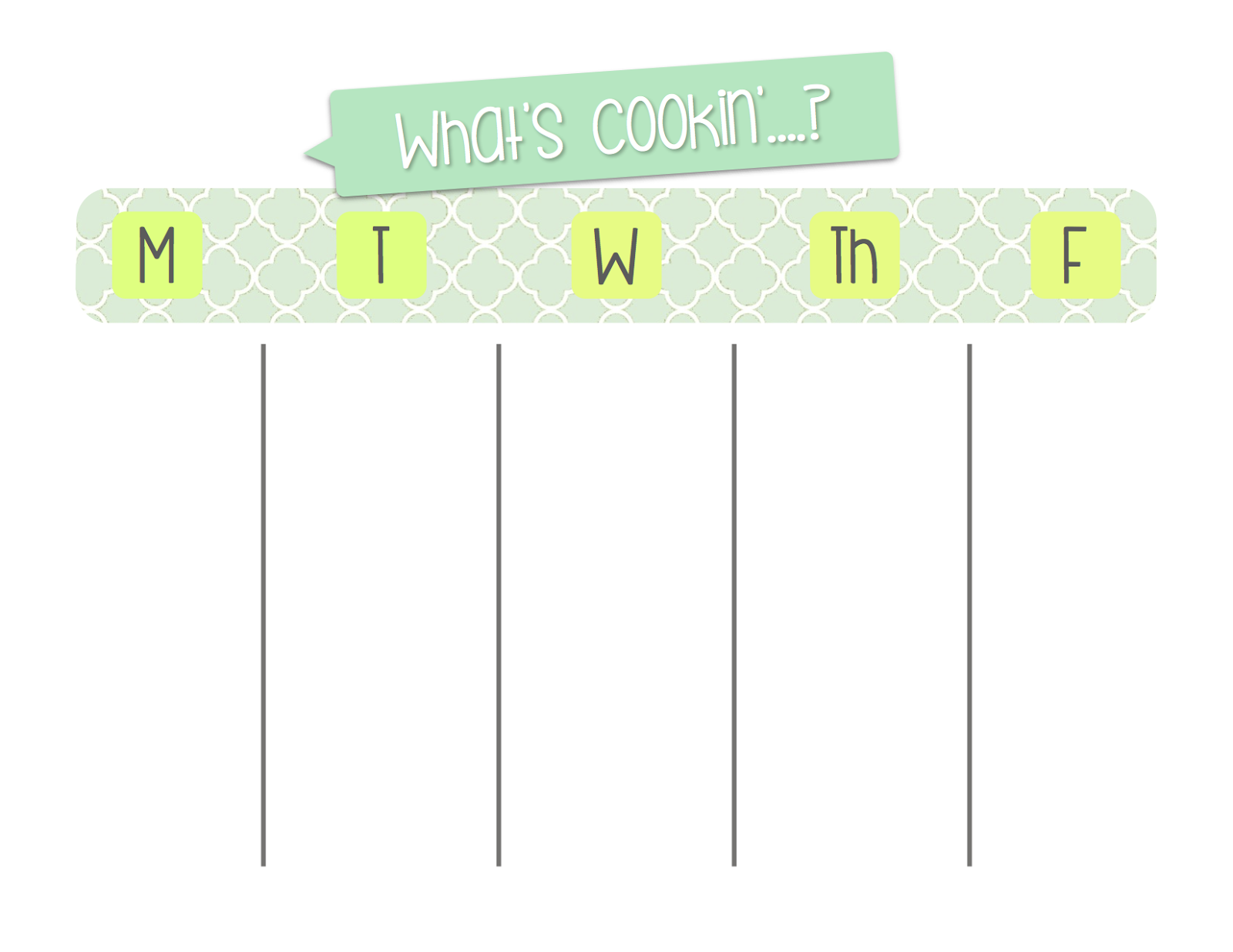
To help me stay motivated, I made a new template that I'm sharing (click on the image below). I made my menu for Monday through Friday with space to note breakfast, lunch and dinner. The columns hold 2"x1.5" post-it notes, which I use to write down the meal/recipe name. This makes it easy to reuse favorite meals from week to week or to switch them around should the plan need to change. I printed mine on a piece of card stock and then put it in a plastic page protector. This way I can reuse the same template until I need new inspiration :)

Don't worry, we eat meals on the weekend too, it's just more about leftovers and is much less structured.


Feel free to download or share your favorite meal planning ideas!

Wednesday, April 30, 2014

one little word wednesday

When I decided to take up blogging again, I knew I wanted to make a real effort to keep up. Daily posts seemed way too lofty a goal, so I decided to post on the days I have the most freedom: Monday, Wednesday and Friday. That seemed like a decent place to start, but I still needed to get a plan in place for how to make it happen. After reading this post I thought about my own three tips for  helping me stay on top of blogging.

1. Evernote
I have used Evernote for work and enjoy the ability to access the information anywhere. When i first started prepping my return to blogging I knew I needed to work ahead a little. I started by making a notebook called "blog posts" where I would keep anything related to the blog. Then i created a note called "blog posts idea." I mean, not rocket science. I took 5 minutes to list any possible idea for a post then narrowed in on possible recurring post topics: fiber, one little word and lists. I created a note for each and started writing. It felt so good to be able to write and save the text without having to hit publish right away. I entered right into the note any photo ideas or links. Photos and links tend to be the pieces that slow me down and deter me from blogging so i started by focusing on the writing and found time later in the week to make photo and link updates.

2. iCal
To help me stay on top of updates and to ensure I make time for blogging, I decided to use my digital calendar program.  It is a simple tool that I already know how to use (key!). I created a special calendar for blog posts only and I mapped out 3 weeks work of posts based on my Evernote list of ideas. Through this program I set reminders to alert me on my phone and computer to update posts, photos or links. I set recurring events for posts like Fiber Friday and One Little Word. It felt a little over the top when I first sat down and started entering information, but it is really saving me a lot of time. Once a week I sit down to make a general plan for future posts then during the week I have little assignments where I fill in the blanks and connect the dots. Such a great choice that is working well for me.


3. Blogger Feature: Schedule
This is the last feature that is really helping me stick to my goal. Since I try to work ahead, I am able to complete posts when I have time which is not always when I want them published.  This is how I stick to my M, W, F schedule.  I've recently added Sundays as a blog day, but I think of Sunday as a bonus weekend post. Once the post is completely ready (photos, links, labels, etc.) I select the date and time I want it to publish. It is so fun to wake up in the morning and have a new blog post from myself!


When I choose to blog I am also choosing to create and do the things I love. I'm looking forward to seeing how this model of organization works for me. Will it be my forever method? Probably not, but it's the right choice for now and that works for me!

Wednesday, April 4, 2012

Plans

This Lent, I decided to try a devotional. Again. I've tried before but inevitably lost the small paper book, spilled something on it or changed purses without relocating it.

This year I chose a devotion on my phone. The daily readings were manageable (read: not too long and daunting), I could set a daily reminder to buzz and tell me to read, and my phone is always nearby.

The picture below captures three wonderful stories within this experience:

1. My Plan - this title is laughable to me since I've always struggled with the balance between my own plans and Gods Plan. Yet each day as I read, I feel as though I am asking for my plan to BE God's Plan. Progress!

2. 92% - I am not behind! Only one or two days did I forget, but I knew it and I missed the restful few minutes of sitting and reading Jesus' story. So I caught up and with only 3 days left, there is a strong chance I will make it through this goal (on time)!

3.6:34am - The reminder on my phone is an added bonus, for sure. From the beginning I hoped to get to the point where the alarm was unnecessary. Ling term, I want to be motivated and aware of making this a daily decision. Currently my alarm is set to remind me at 6:45am, so here is proof that I am tapping into this motivation.

I have been listening to my HEART this season, striving to be intentional and to dive into Lent and now I am planning the next step, post Easter. How will I continue forward with this habit? How will I make it a priority and maintain the internal, heart centered motivation I am feeling today?

** the app I use is YouVersion for iPhone and I have been reading the 40 Days of Lent devotion.